
How Customers Opt In
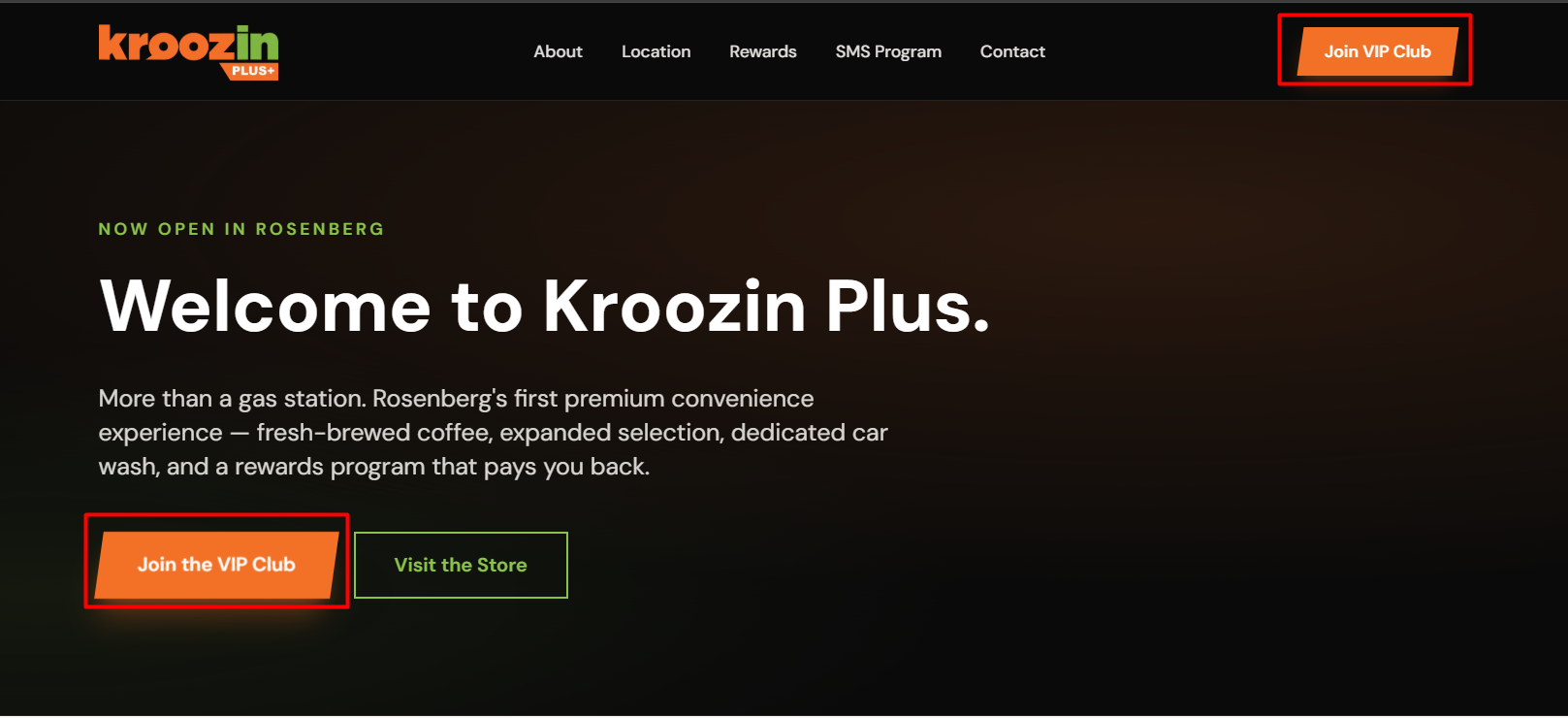
The Kroozin Plus SMS program collects consent through two pathways: an in-store tablet at the cashier counter of Kroozin 2218, and online at kroozinplus.net. Both flows present the same disclosures and require the same affirmative consent before any SMS is sent.
In-store tablet flow
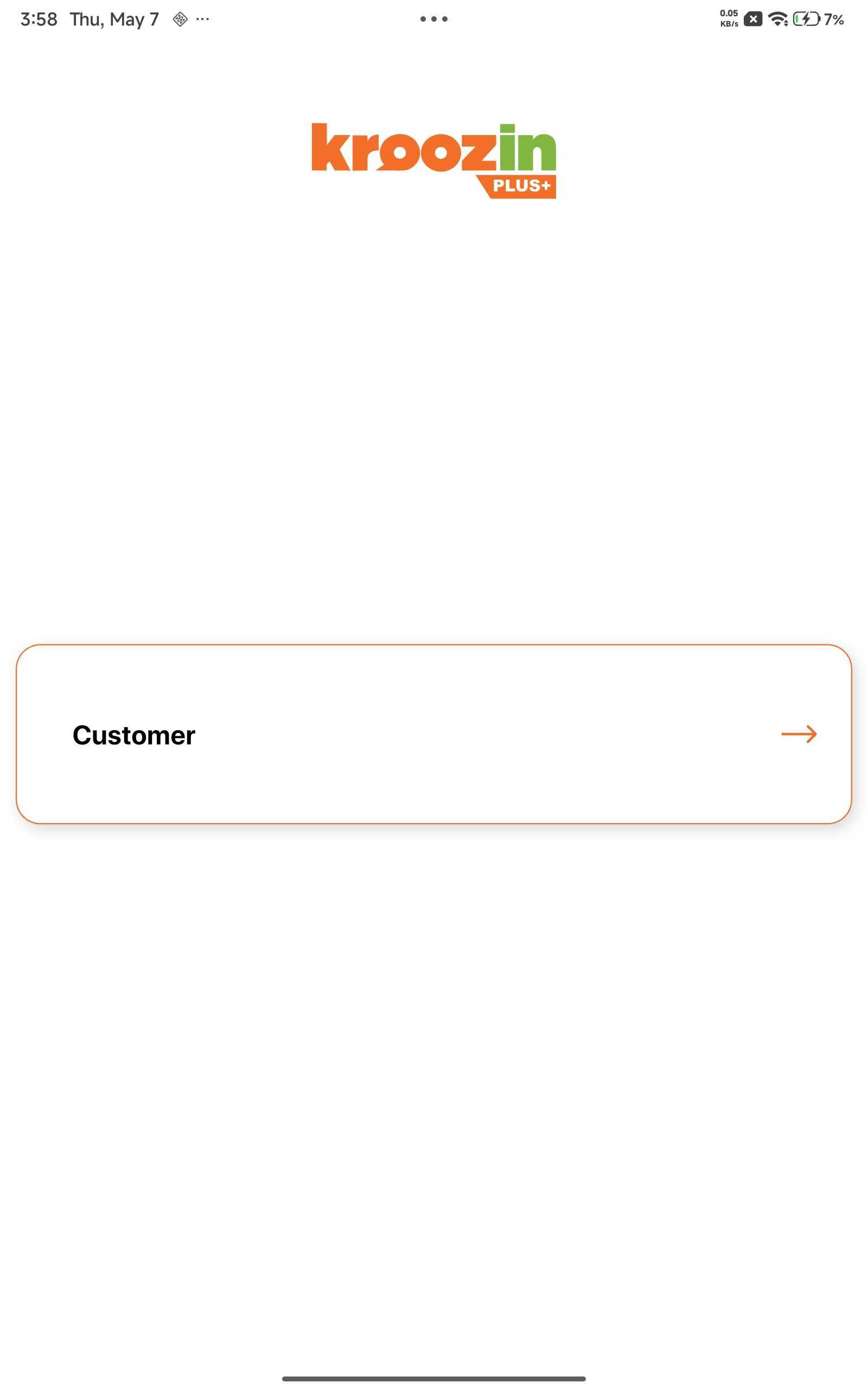
The tablet is mounted at the cashier counter facing the customer. The home screen invites them to sign up for free rewards.
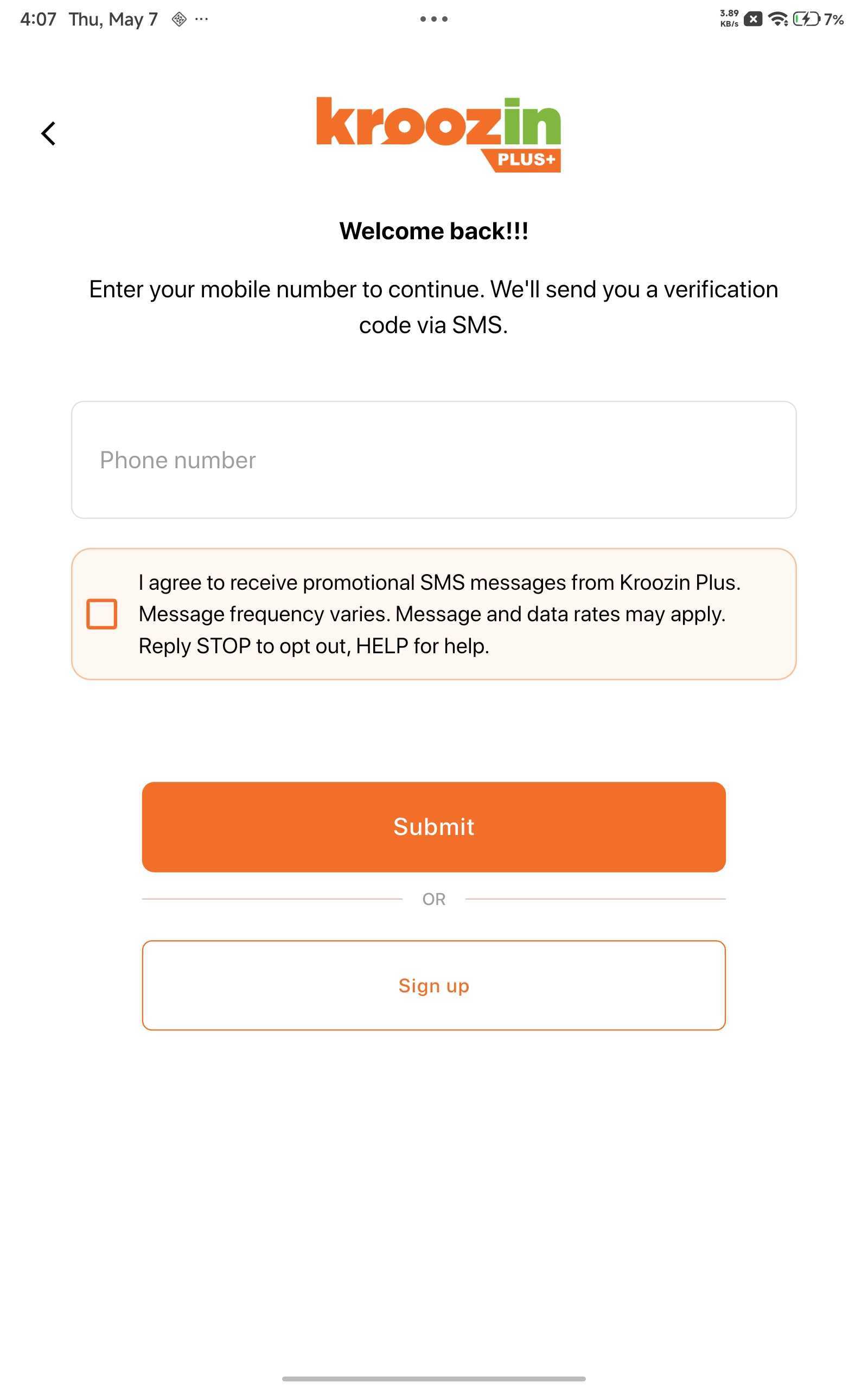
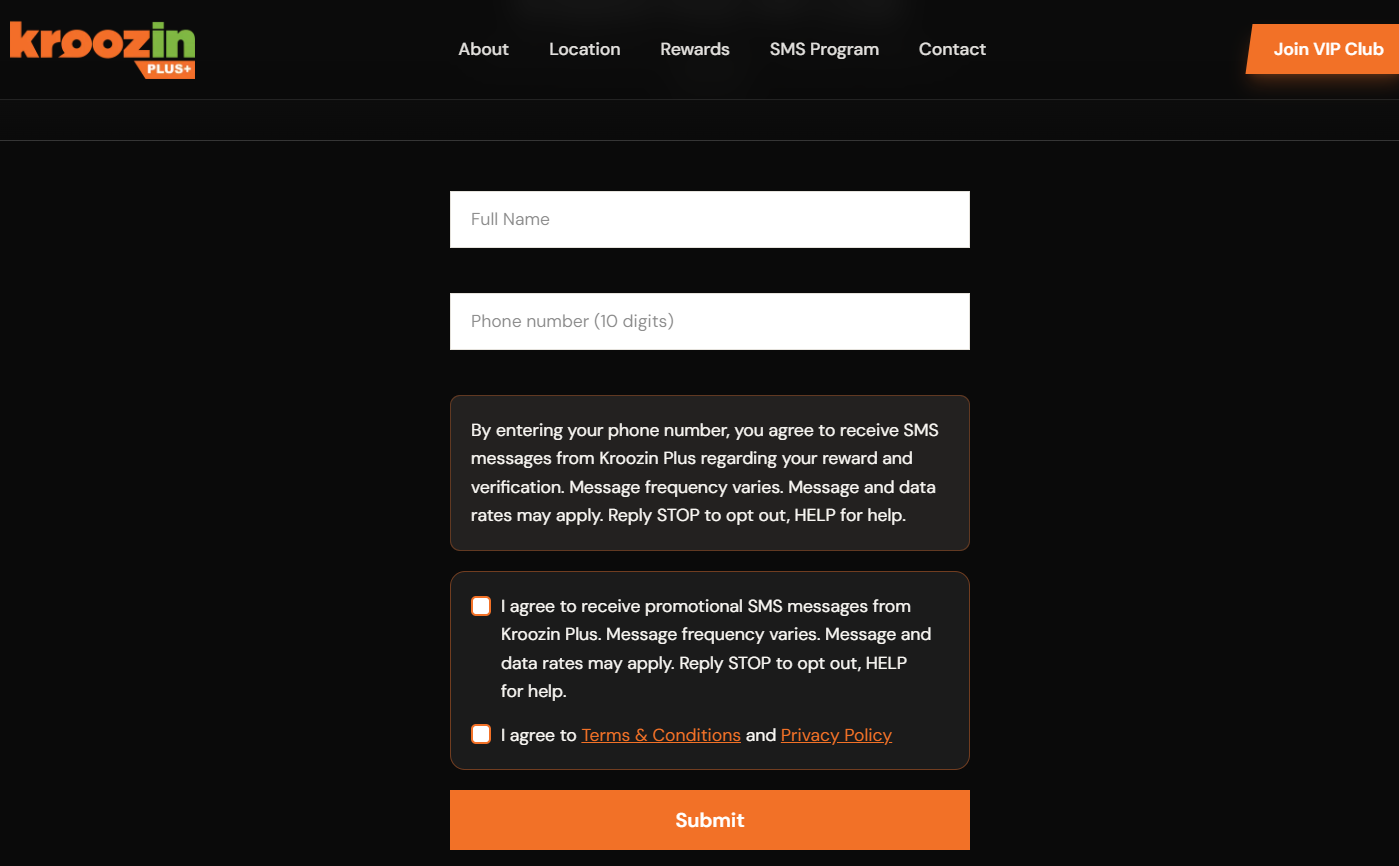
Customer enters their full name and U.S. mobile phone number.
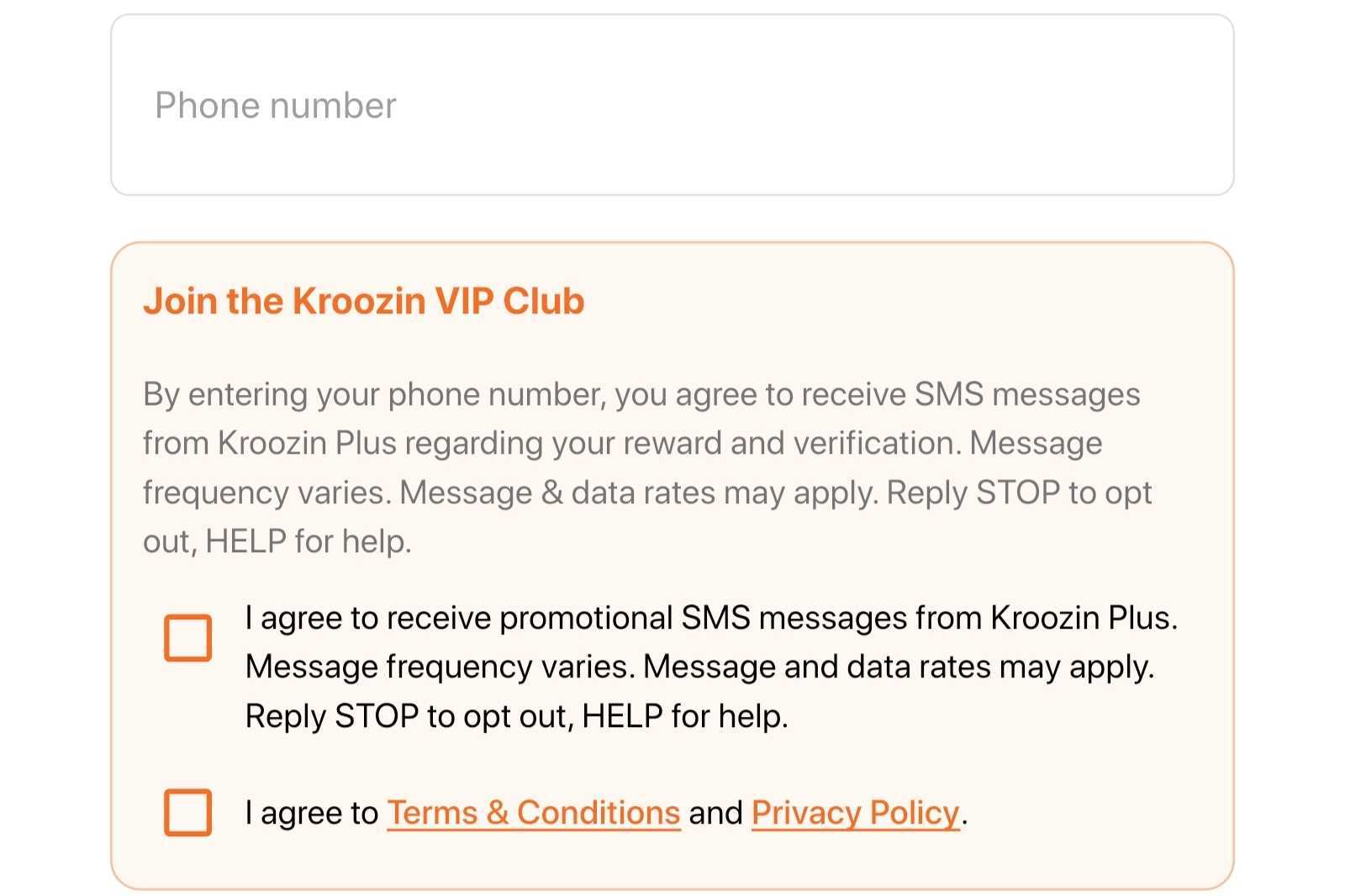
Directly below the phone number field, disclosure text and an optional, unchecked-by-default promotional checkbox appear.
Disclosure text (tablet)
By entering your phone number, you agree to receive SMS messages from Kroozin Plus regarding your reward and verification. Message frequency varies. Message & data rates may apply. Reply STOP to opt out, HELP for help.
Optional checkbox (unchecked by default)
I agree to receive promotional SMS messages from Kroozin Plus. Message frequency varies. Message and data rates may apply. Reply STOP to opt out, HELP for help.
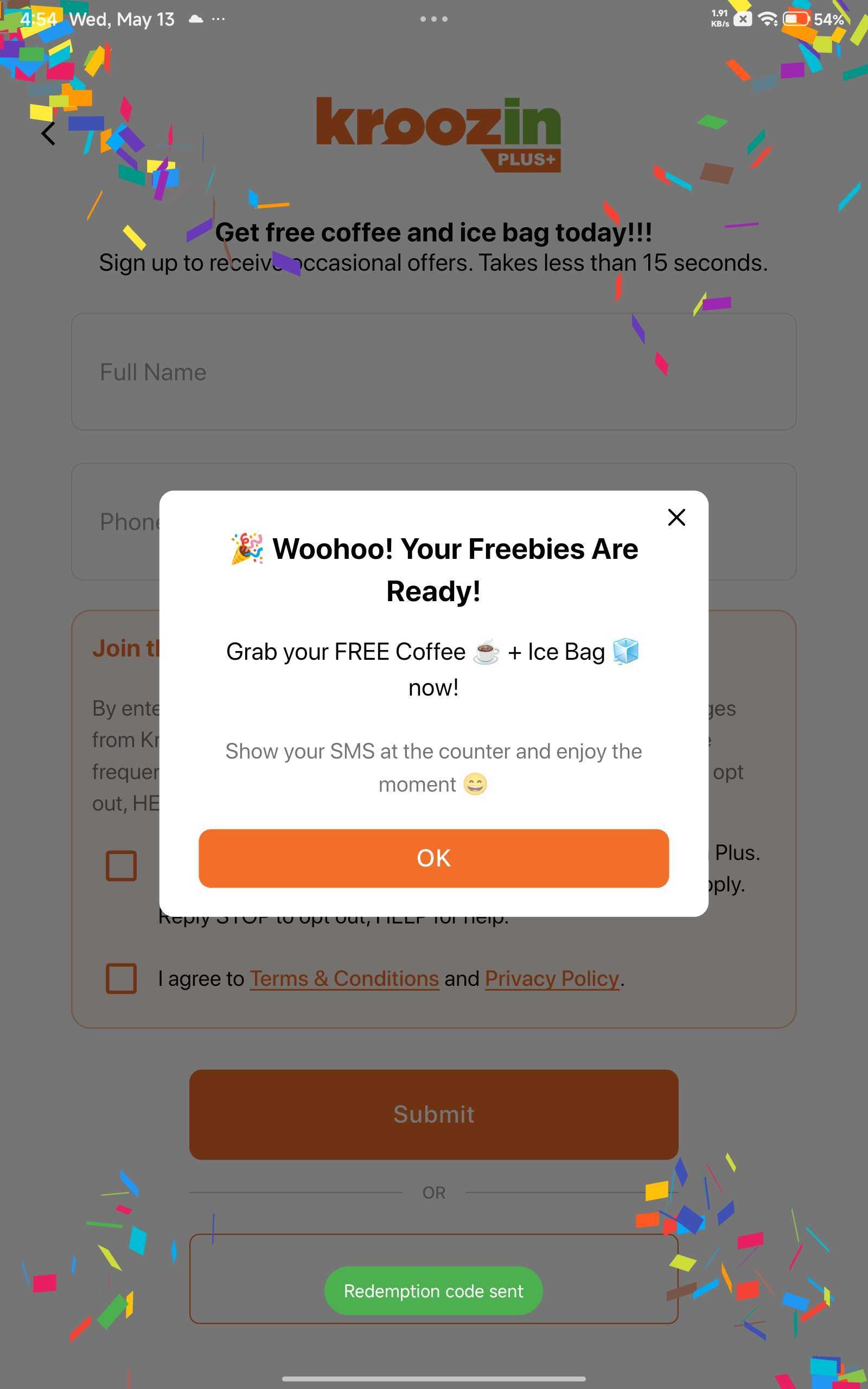
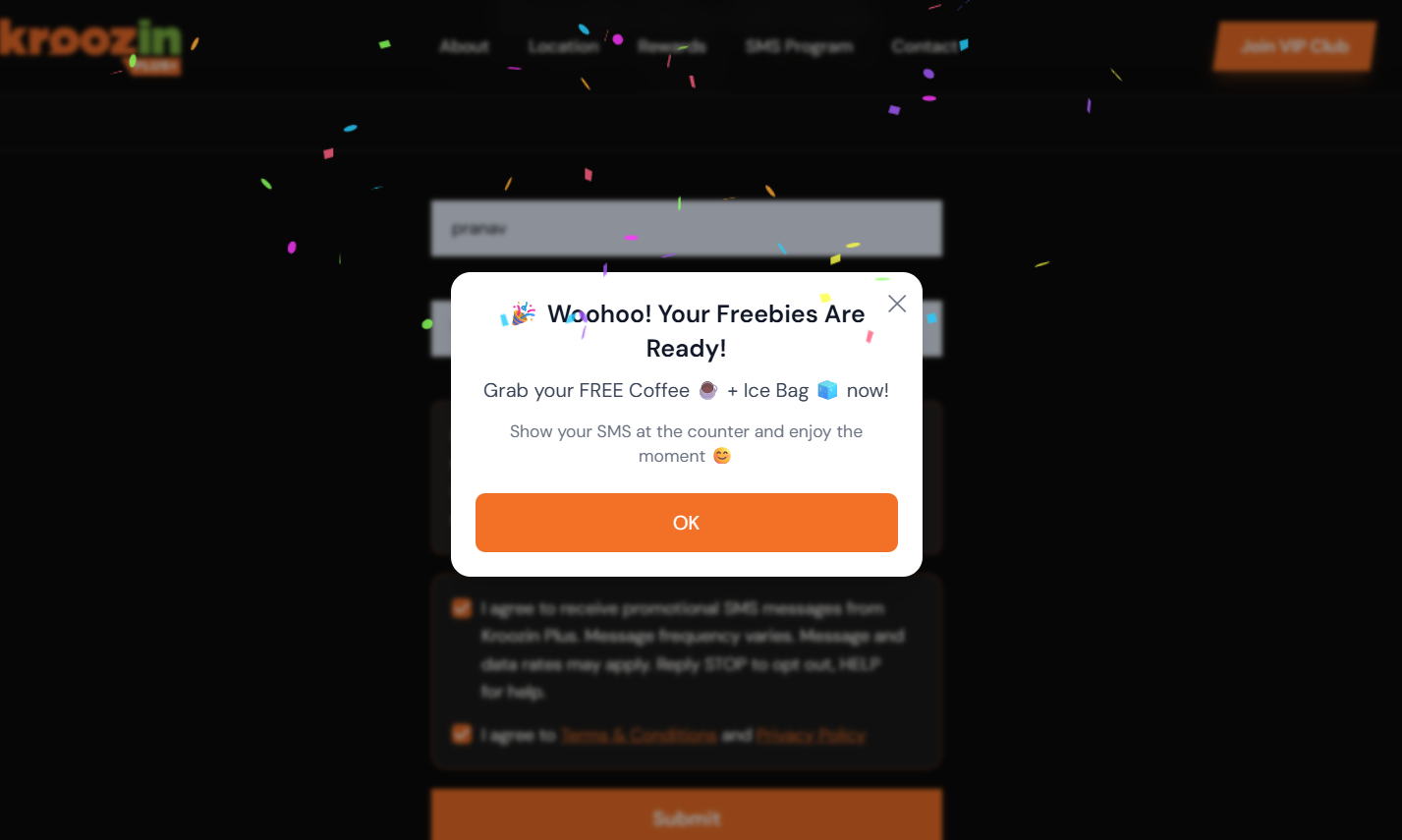
After successful submission, the tablet displays a confirmation screen and the customer receives a welcome SMS.
Online flow
Returning customer flow
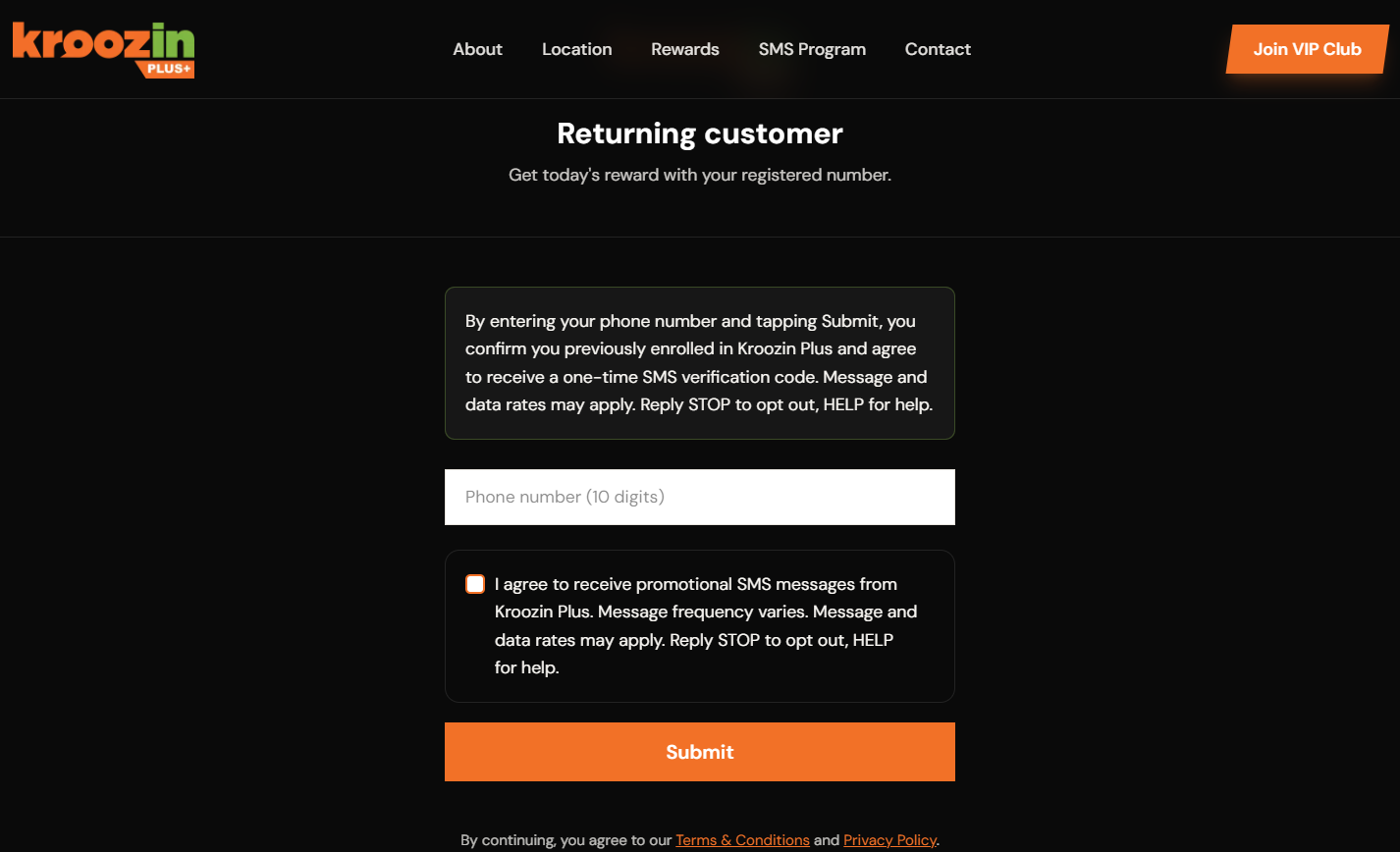
Already-enrolled customers re-enter their registered phone number to receive a one-time verification SMS and access today's reward.
Returning customer screen at /repeating-customer